
In a tutorial published on 23 September 2026, NVIDIA uses the SO-101 arm to move from CPU MuJoCo to GPU MuJoCo Warp, reaching up to 2,048 parallel environments. The example uses scripted pick-and-place control, not a trained intelligence capable of solving arbitrary manipulation tasks.
Why run several simulations?
Warp is a computing framework for writing Python programs that can run on GPUs. MuJoCo Warp uses this approach to simulate multiple states of the same physical model in parallel.
For a team, the opportunity is to run more experiments: starting positions, trajectories or parameters can be explored in separate environments. This can support evaluation and learning campaigns. The number of simulated worlds is still a computing capability, not a measure of robot intelligence.
2,048 worlds does not mean 2,048 times faster
The time required by a single simulation is different from the aggregate work performed across a batch. Performance depends on the GPU and the scene. MuJoCo Warp documentation also describes memory and contact capacities that need to be configured: increasing parallelism does not remove the need to check that results remain valid.
What this means for an SO-101 project
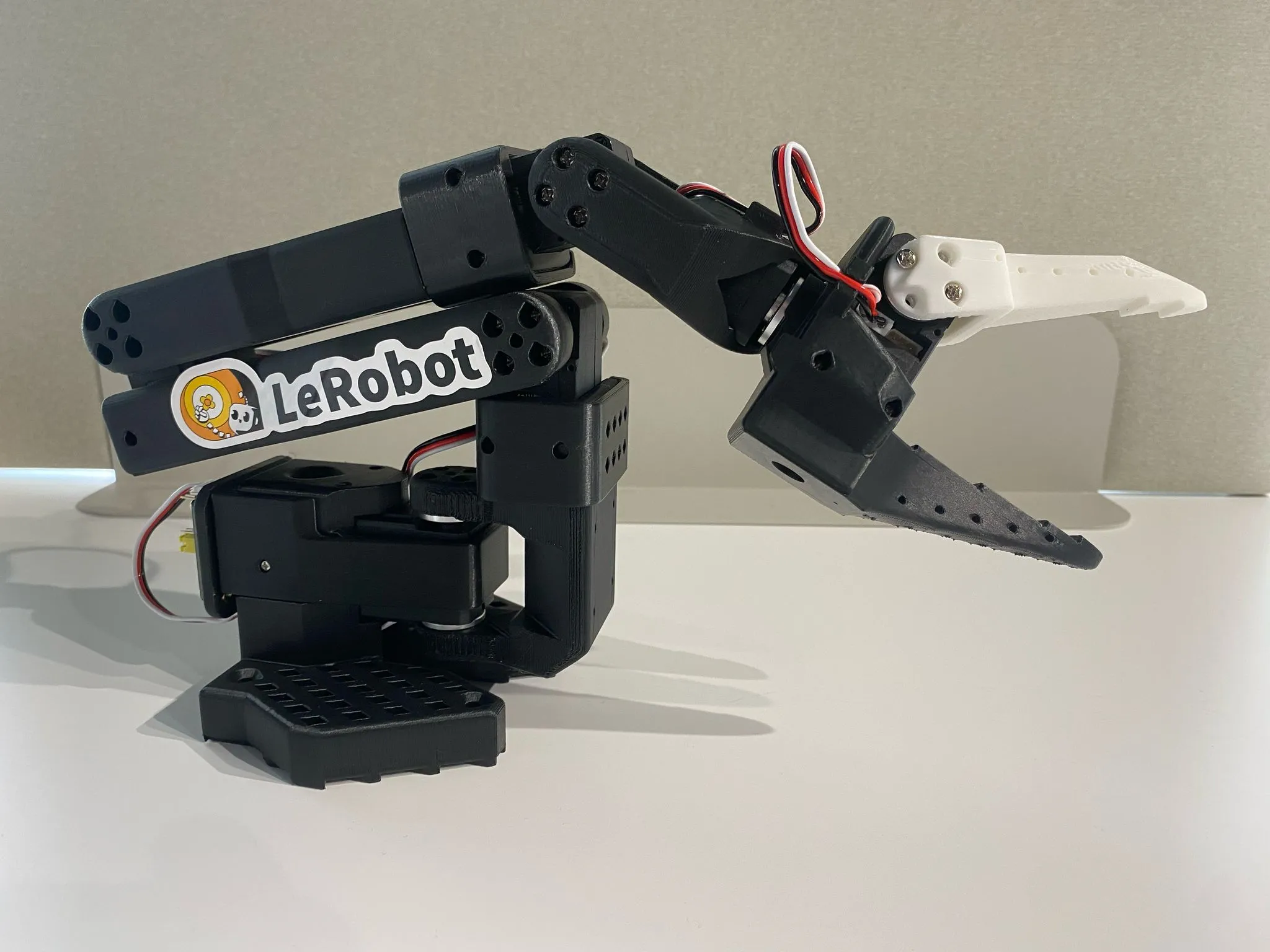
The SO-101 documented by LeRobot pairs a leader arm for guiding movements with a follower arm that executes them. Commissioning includes motor configuration and calibration. Simulation complements this work; it does not replace preparing the real arm or running physical tests.
Our advice: start with a small, measurable task, validate a reference environment and then increase the number of trials. Before moving to hardware, plan supervised validation at reduced speed in a clear workspace. Friction, mechanical play and perception need to be checked against reality.
For a school or laboratory, this provides a useful teaching thread connecting a physical model, software and experiments. It does not support a promise that buying a kit will produce an autonomous workcell today.
Explore the LeRobot SO-101 profile and learning on the G1 humanoid.
Image: physical arm from Hugging Face / LeRobot documentation, not a screenshot of the NVIDIA simulations. Bybotix has not run this tutorial or measured its performance.